
A family is waiting for an answer, a colleague needs to prepare the materials, and the office needs to know how much is still due. They are all parts of the same case, often handled by different people. Over the past few days we have focused on the handovers between those people: the moments when information has to be found, typed again or requested over the phone.
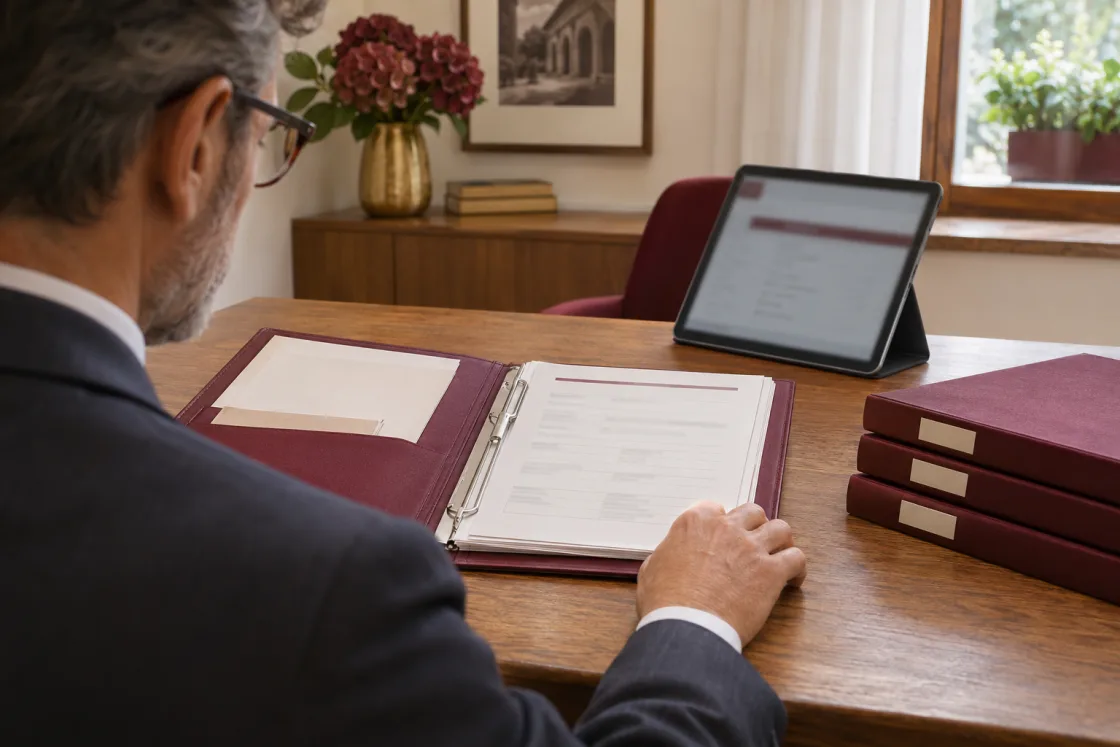
See the case as a whole
The 360° overview is now available to every agency, according to the permissions of the person viewing the case. It brings information into one view and also opens from the app. We have reorganised the lists: location, period, status and balance can be filtered from the same bar. If you manage several locations, each can have its own address, contact and document logo. It is easier to see the context of the service you are handling.

What has been paid and what is still due
The new Payment Status page brings together the total, payments received and outstanding balance. Each payment shows its date, method and who recorded it; you can correct or cancel it while keeping its history. Lists show which cases are settled, partly paid or unpaid. The chosen payment method also appears on quotes and summaries, without having to enter it again for every printout.

Warehouse staff receive the instructions they need
An engraving on an urn or an accessory to remove from a coffin: you can now add the instruction directly to the product line. The withdrawal summary groups materials, quantities and notes by warehouse in a PDF without prices. You can send it to the warehouse contact through WhatsApp too, with the module enabled. Notes are also available in Pet and pre-need workflows. Logistics now includes numbered, printable DDT transport documents; preparing the document remains separate from moving stock.
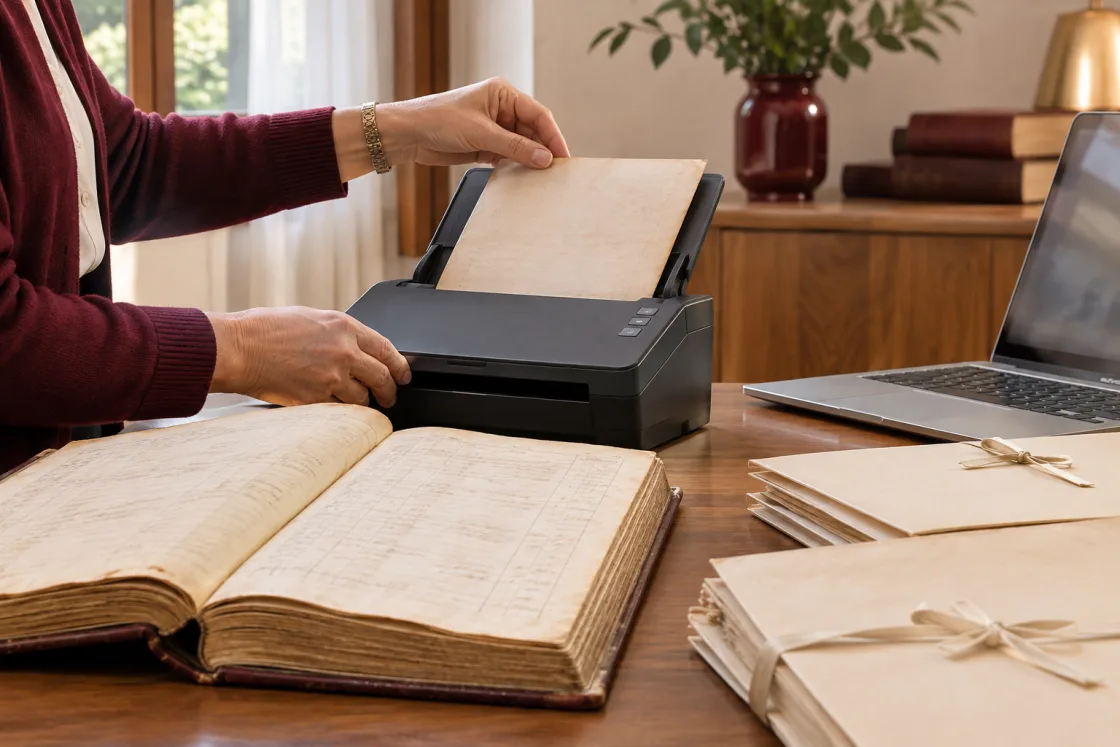
Changing software while keeping your history
We are improving migration from previous systems down to the details that matter after the import. Imported invoices can be viewed and printed; where available, the original XML file can also be downloaded. References in older cases are linked to contact records when the match is certain, while the original information remains accessible. Before starting, we review the archives with the agency: years of work should still be useful the day after the change.

From the case to the accountant
The new Generate Invoices module prepares an electronic invoice XML file from the case information and quote lines. Download it or send it to your accountant, with dedicated numbering. Submission to Italy's SdI system goes through your accounting channel. This workflow sits alongside the existing Fatture in Cloud connection: together we choose the approach that fits your administration team.

Large archives should stay easy to use
We have reduced the loading work in contact, graphics and warehouse lists and in the Image Archive. Images load when you open a folder; searches still find results across the whole archive. These changes are less visible than a new button, but they affect pages you open many times a day, particularly when you have years of records behind you.

The direction we have chosen
We want information entered correctly to follow the work all the way through: from the case to documents, from graphics to the warehouse, and on to administration. We also want each agency to keep its own way of working. That is why we provide configuration and training alongside the software, with customisation and data entry when needed. Our aim is for you and your team to use it independently, even on the busiest days. Time saved between screens can go back to families and your business.